










In today's fast-paced digital landscape, maintaining an active and engaging presence on platforms like Telegram is crucial for businesses and content creators. Consistent posting not only keeps your audience informed but also enhances engagement and growth. However, manually managing posts can be time-consuming and prone to inconsistencies. This is where PostSyncer comes into play, offering a seamless solution for scheduling your Telegram posts efficiently.
The Importance of Scheduling Telegram Posts
Telegram has emerged as a powerful platform for businesses and influencers to connect with their audience. Regular and timely posts are essential to keep followers engaged and informed. However, the manual process of posting can be cumbersome, especially when managing multiple channels or aiming for optimal posting times across different time zones. Scheduling posts in advance ensures that your content reaches your audience at the right time without the need for constant manual intervention.
Introducing PostSyncer: Your All-in-One Social Media Scheduler
PostSyncer is designed to simplify your social media management across various platforms, including Telegram. With its user-friendly interface and robust features, PostSyncer allows you to plan, create, and schedule your Telegram posts effortlessly.
Key Features of PostSyncer:
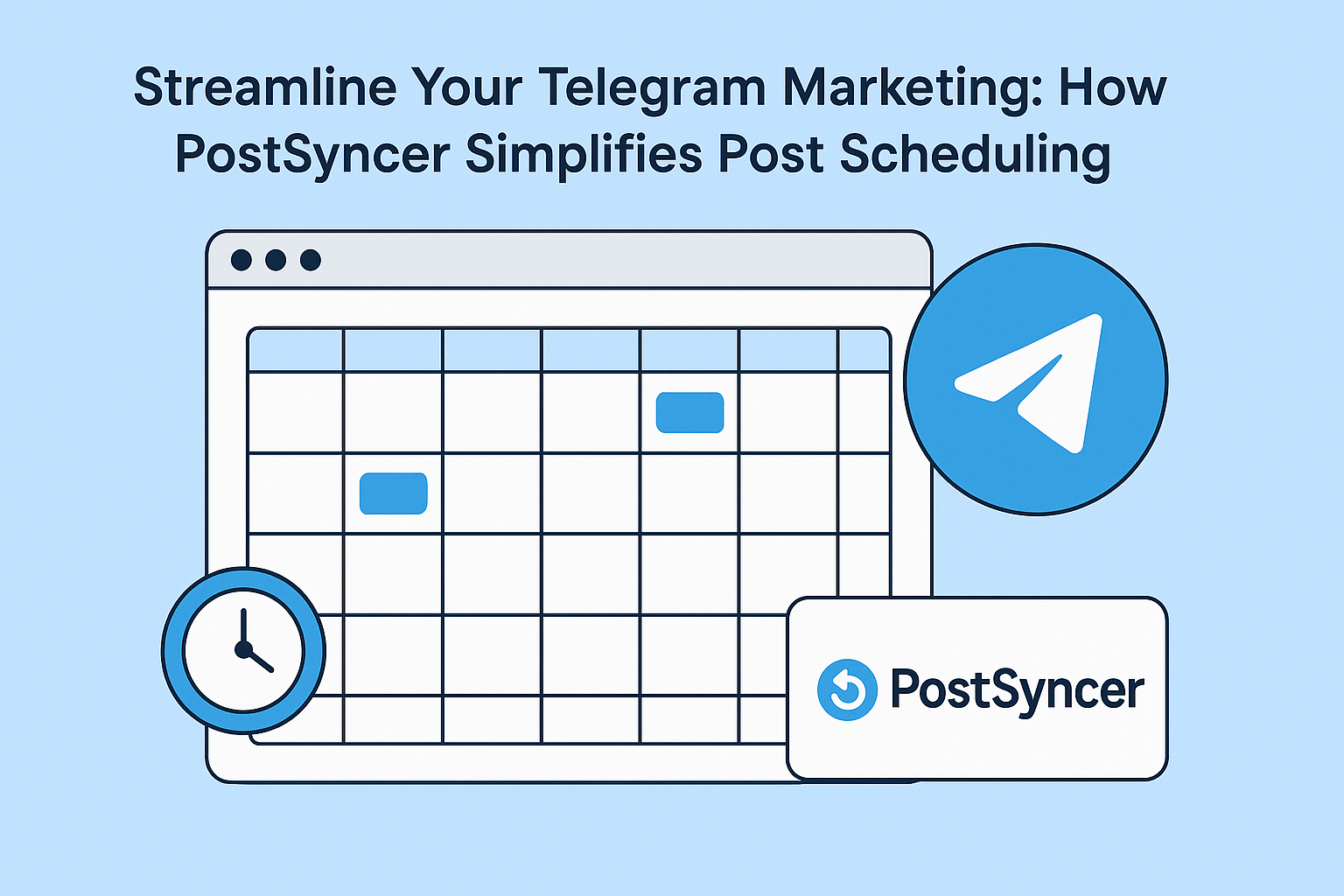
Visual Calendar: Plan and organize your content with an intuitive drag-and-drop calendar, making it easy to visualize your posting schedule.
Media Library: Store and manage all your photos, videos, and other media assets in one centralized location for easy access and organization.
Analytics Dashboard: Track the performance of your posts with comprehensive analytics, helping you understand engagement metrics and optimize your content strategy.
How to Schedule Telegram Posts with PostSyncer:
Connect Your Telegram Channel: Securely link your Telegram channel to PostSyncer to enable seamless scheduling and posting.
Create Engaging Content: Utilize PostSyncer's media library and editing tools to craft compelling posts tailored to your audience.
Schedule Your Posts: Use the visual calendar to set specific dates and times for your posts to be published on Telegram.
Monitor Performance: After your posts go live, analyze their performance through the analytics dashboard to gain insights and refine your content strategy.
Benefits of Using PostSyncer for Telegram Scheduling:
Time Efficiency: Automate your posting process, freeing up time to focus on content creation and audience engagement.
Consistency: Maintain a regular posting schedule, which is key to building and retaining an engaged audience.
Multi-Platform Management: Manage your presence across multiple social media platforms from a single dashboard, ensuring a cohesive and streamlined strategy.
Conclusion
Incorporating a scheduling tool like PostSyncer into your Telegram marketing strategy can significantly enhance your efficiency and effectiveness. By automating the posting process, you ensure consistent engagement with your audience, allowing you to focus more on creating quality content and growing your community. Embrace the power of PostSyncer to take your Telegram presence to the next level.