










In the visually driven world of Pinterest, the impact of your content heavily relies on the quality and dimensions of your images. Properly sized images not only enhance the aesthetic appeal of your pins but also significantly boost engagement and visibility. Recognizing this, PostSyncer offers a Free Pinterest Image Resizer Tool designed to streamline the process of optimizing your images for Pinterest.
Why Image Size Matters on Pinterest
Pinterest recommends specific dimensions for images to ensure they display correctly and attract maximum engagement. For instance, standard pins perform best at 1000 × 1500 pixels with a 2:3 aspect ratio. Deviating from these dimensions can result in images being truncated or displayed improperly, potentially reducing their effectiveness.
Features of PostSyncer's Free Pinterest Image Resizer
PostSyncer's tool is designed with user convenience in mind, offering several key features:
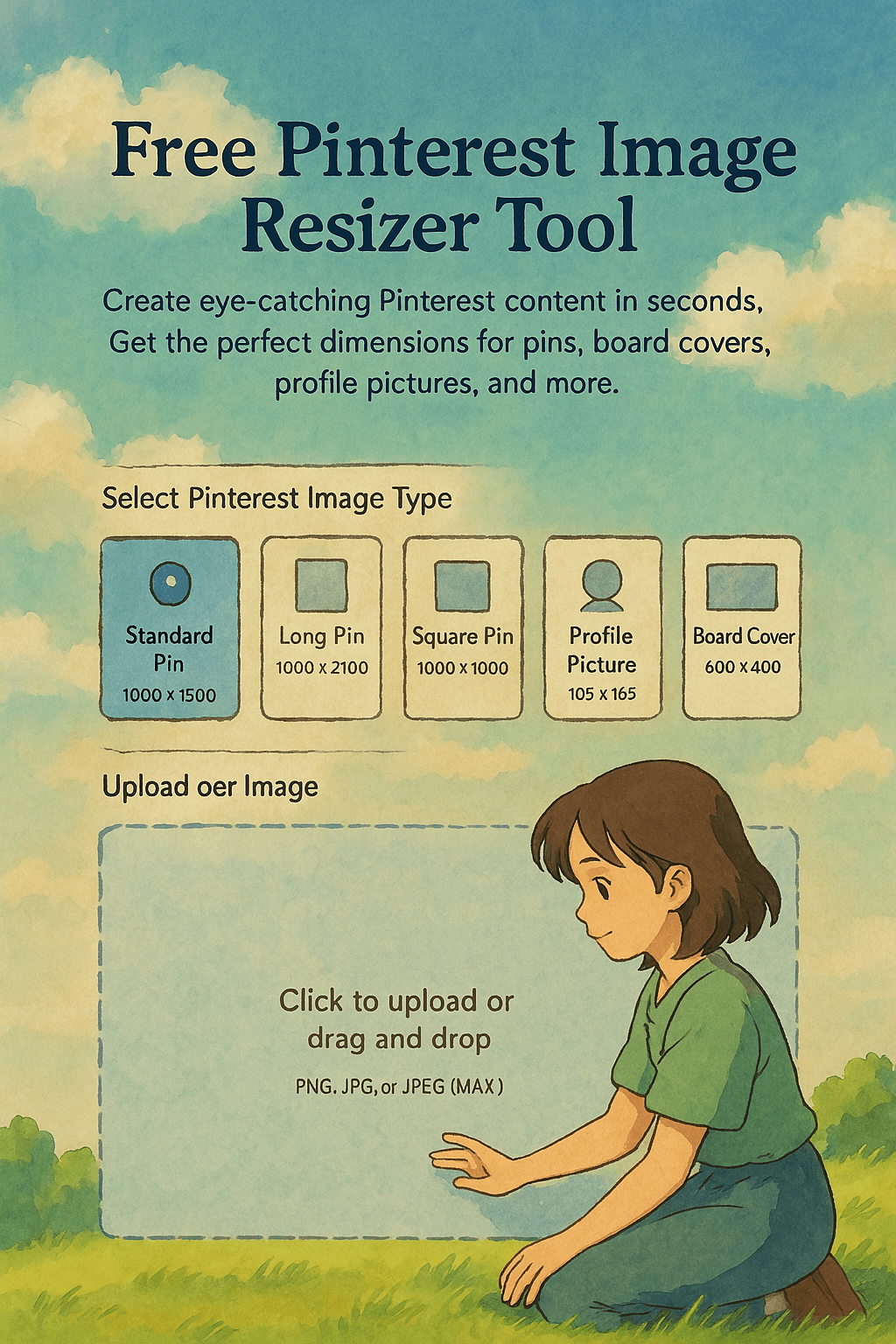
Multiple Resizing Options: The tool provides preset dimensions for various Pinterest formats:
Standard Pin: 1000 × 1500 pixels
Long Pin: 1000 × 2100 pixels
Square Pin: 1000 × 1000 pixels
Profile Picture: 165 × 165 pixels
Board Cover: 600 × 400 pixels
These options ensure your images meet Pinterest's recommended sizes for optimal display and engagement.
User-Friendly Interface: The resizer allows you to upload images in PNG, JPG, or JPEG formats. After selecting the desired Pinterest image type, the tool swiftly resizes your image, making it ready for immediate download and use.
Enhanced Engagement: By adhering to Pinterest's preferred image dimensions, your pins are more likely to capture attention, leading to increased repins, clicks, and overall engagement. Properly sized images contribute to a cohesive and professional-looking profile, fostering trust and interest among your audience.
How to Use the Pinterest Image Resizer
Select Image Type: Choose the appropriate Pinterest format (e.g., Standard Pin, Long Pin) that aligns with your content strategy.
Upload Your Image: Click to upload or drag and drop your image file into the resizer. Ensure the file is in PNG, JPG, or JPEG format.
Download Resized Image: Once the image is resized, download it to your device. It's now ready to be uploaded to Pinterest, perfectly optimized for the platform.
Best Practices for Pinterest Images
To maximize the effectiveness of your pins, consider the following tips:
Maintain High Resolution: Use high-quality images to prevent pixelation and ensure clarity.
Incorporate Text Overlays: Adding concise and compelling text can provide context and encourage clicks.
Consistent Branding: Utilize consistent colors, fonts, and styles to reinforce brand recognition.
Test Different Formats: Experiment with various pin types (e.g., Standard, Long, Square) to determine what resonates best with your audience.
By leveraging PostSyncer's Free Pinterest Image Resizer Tool, you can effortlessly ensure your images are optimized for Pinterest, enhancing your content's appeal and engagement potential. This free tool simplifies the resizing process, allowing you to focus on creating captivating content that drives results.